
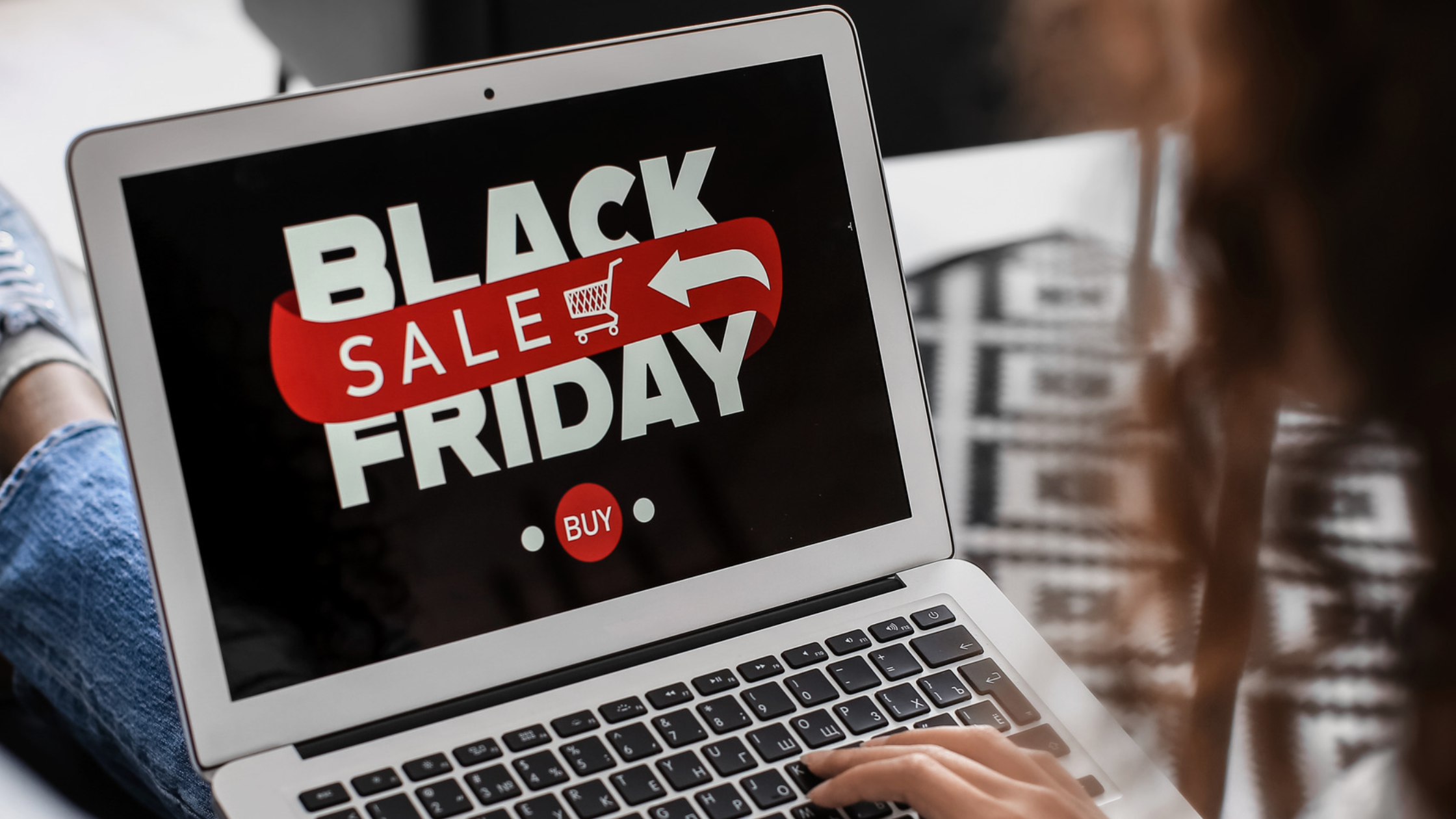
Black Friday is still two weeks away, but I started seeing Black Friday promotions at least two or three weeks ago. Every year, it feels like the sales start earlier and run for longer, stretching into a whole season of offers leading up to Christmas.
If you are planning a promotion, it is a good time to give your website some attention.
In this blog, I will walk through the website side of getting ready, from banners and early-access registration to password pages, discount codes and testing. Whether you use Squarespace or Shopify, a little preparation can help everything run more smoothly.
What is the difference between Black Friday and Cyber Monday?
Both sales events originated in the United States.
Black Friday falls on the Friday after Thanksgiving and traditionally marked the start of Christmas shopping, with sales in physical stores. Cyber Monday, three days later, developed as an online shopping event.
In 2026, Black Friday falls on 27 November, followed by Cyber Monday on 30 November.
While Boxing Day sales are still the biggest, Black Friday and Cyber Monday are now an established part of our shopping calendar too. These days, the distinction between the two is less obvious, with businesses often running promotions across the weekend and beyond it.
Display your offers clearly on your website
Make it easy for visitors to see that you have a promotion running, find what is included and take the next step. Depending on your website, this could include:
A dedicated sale page for the products, service packages or events included in your promotion.
Clear menu link: Add a temporary link such as “Black Friday Sale”.
Promote the sale with homepage banners, an announcement bar, a promotional pop-up, and a countdown timer if you have one.
Sale badges and prices: Clearly identify participating products with sale labels or badges, showing the original and reduced prices.
Keep the campaign branding consistent across your website, emails, social media and any signage in your physical shop. You might use traditional Black Friday colours such as black and red, or create a campaign style using your own brand colours. Either way, matching graphics, wording and colours help customers recognise the same promotion wherever they see it.
Reward loyal customers with early access
Your website can help you give existing customers, members and subscribers first access to your sale before it opens to the public.
Make it clear that they are receiving an invitation as a thank you for supporting your business and make the access process straightforward – send an email with details first followed by a simple link and password access on the day.
Invite new subscribers to join too
You can also give website visitors and social media followers an opportunity to register for early access.
Use your preferred email marketing platform to set up the registration page as well as campaign sent with the link and access code. This is a good lead magnet opportunity as it gives visitors a reason to subscribe and tay in touch beyond the sale.
There are two main ways to set this up:
A password-protected page: Customers receive a link and password to access the sale before it opens to everyone.
An exclusive early-access code: Your website stays open, but invited customers receive a code that unlocks the sale pricing before the public promotion begins.
The right option depends on whether you want to restrict access to the sale itself or give customers early access to the discounted prices.
How does early access work on Squarespace and Shopify?
On Squarespace, you can password-protect an individual offer page and share its link and password by email. Check any linked products or booking pages too, as protecting the offer page does not automatically restrict access elsewhere.
On Shopify, the built-in password protects the entire online storefront. If you want the rest of your shop to remain open while restricting selected products or collections, you may need an access-control app or a tailored setup.
A page password controls entry; a promotional code controls a discount at checkout. Decide what customers should be able to access early, then choose the setup that supports it.
Help your promotion run smoothly
Before promoting your sale, take a little time to check the setup and follow the process as a customer.
Test the complete journey: Follow your promotional link, access the sale and complete a purchase or booking. If you offer early access, test the registration, email and password or code too.
Check discounts and checkout: Make sure codes apply to the correct items, minimum spends work and the final price and shipping costs are accurate.
Review your sale terms: Update your website terms or add dedicated sale conditions covering exclusions, shipping and any booking or redemption deadlines.
Confirm the dates: Make the start and end times clear, including the time zone, and check that scheduled discounts and countdowns match.
Plan the finish: Agree who will remove or replace sale banners, update offer pages and switch off promotional pop-ups and emails. Schedule discounts to expire and check prices return to normal.
These checks are useful for any website promotion and can help prevent last-minute confusion for both you and your customers.
Need help getting your website ready
I help businesses prepare their Squarespace and Shopify websites for promotions, including banners, landing pages, email sign-ups, password pages, discount settings and testing.
If you need a hand getting the website side organised, get in touch.
For more background on subscriber offers and early access, see Squarespace's guide below.